BLOG
/
Home Tips
Why your printer keeps disappearing (and how to make it stop)
It printed fine last week. Now the laptop says it is offline and nothing you click brings it back. Here is what is actually happening.
Moonlark Team
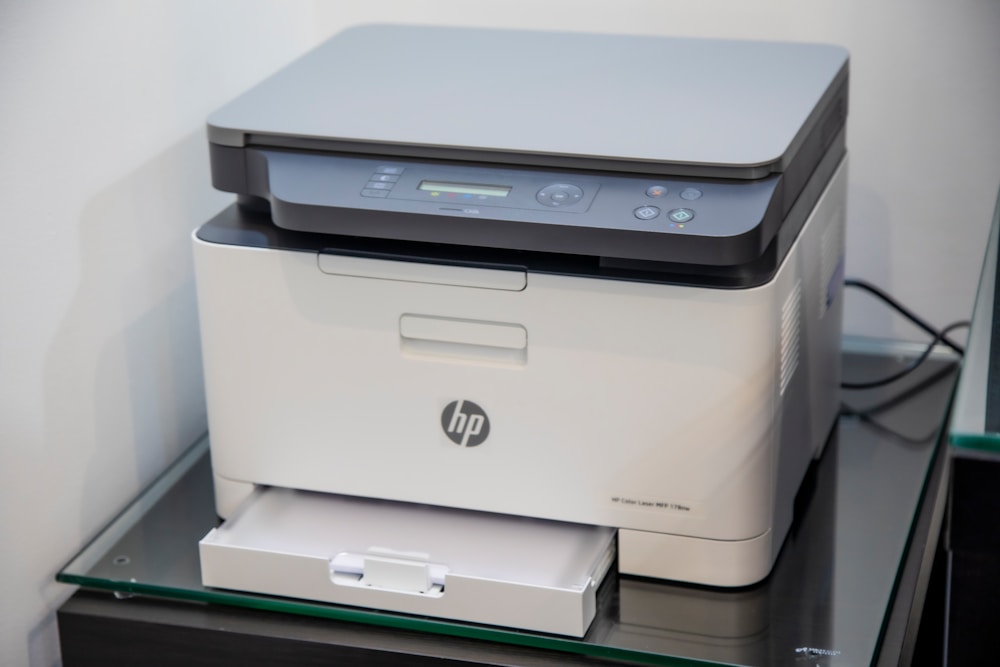
It worked last Tuesday. Today the laptop says the printer is offline, the phone cannot see it at all, and turning everything off and on has stopped helping. This is the single most common call we get from households, and it is almost never a broken printer.
What is actually going on
Most home printers get an address from your router when they connect, and most routers hand out addresses that expire. When yours expires, the router may give the printer a different one. Your laptop is still looking for the old address, so as far as it is concerned the printer has vanished.
Add a router reboot after a storm, a firmware update that resets the wireless settings, or a new router from your internet provider, and the printer quietly drops off the network while appearing to be perfectly fine on its own screen.
What usually fixes it for good
Give the printer a fixed address on your network so it stops moving. This is the real fix and it takes a few minutes in the router settings
Connect the printer to the 2.4 GHz band rather than 5 GHz. Most home printers only support 2.4, and many routers now broadcast both under one name
Remove the printer from your computer entirely and add it back once it has a fixed address, so the computer stops chasing the stale one
If your provider swapped your router recently, expect every wireless device in the house to need reconnecting, not just the printer
When it is worth calling someone
If you have done the reinstall dance more than twice, the problem is on the network side and reinstalling will not hold. That is a single visit for us, and it usually covers the rest of the house at the same time: the thermostat that dropped off, the camera that stopped recording, the laptop that only works in one room.
We cover Iowa City, Coralville, North Liberty, Tiffin, Solon, Riverside, Cedar Rapids, West Branch, and Mount Pleasant. You hear the price before we start, and if it turns out to be a five-minute fix we will say so.
Keep reading
Home Tips
Jun 2026
Why your printer keeps disappearing (and how to make it stop)
It printed fine last week. Now the laptop says it is offline and nothing you click brings it back. Here is what is actually happening.
Moonlark Team

Security
Jun 2026
The call that starts with “your computer has a virus”
Americans lost more than a billion dollars to tech-support scams in 2025. Here is exactly how the call goes, and what to do if you already let someone in.
Moonlark Team

Small Business
Jun 2026
What the derecho taught small businesses about backups
On August 10, 2020, every business in Cedar Rapids lost power inside an hour. The ones that reopened quickly all had the same three things in place.
Moonlark Team
GET STARTED
Let us get it working.
Tell us what is going on, at home or at work, and we will tell you what we would do about it. The conversation costs nothing.
No contract · Plain pricing · Local, on-site help